Overview
Automate your lead generation so Growbotik finds, scores, and prepares new leads every day — ready for Maya, the Symphony AI outreach agent, to reach out to them automatically. [Learn more about Maya →]
Leads Autopilot handles the prospecting pipeline for you. It searches for businesses in your chosen locations and niches, gathers their contact details, and scores their websites — all on the schedule you set. Once a lead is prepared, Maya picks it up and begins outreach automatically based on your Symphony configuration. You set it up once in the Settings tab, and the Activity tab shows you exactly what is happening each day.
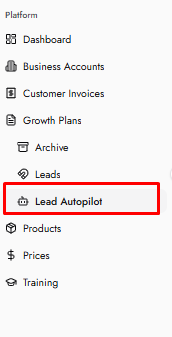
The Leads Autopilot page is located under Leads in the left sidebar. It has two tabs: Activity and Settings.
Activity
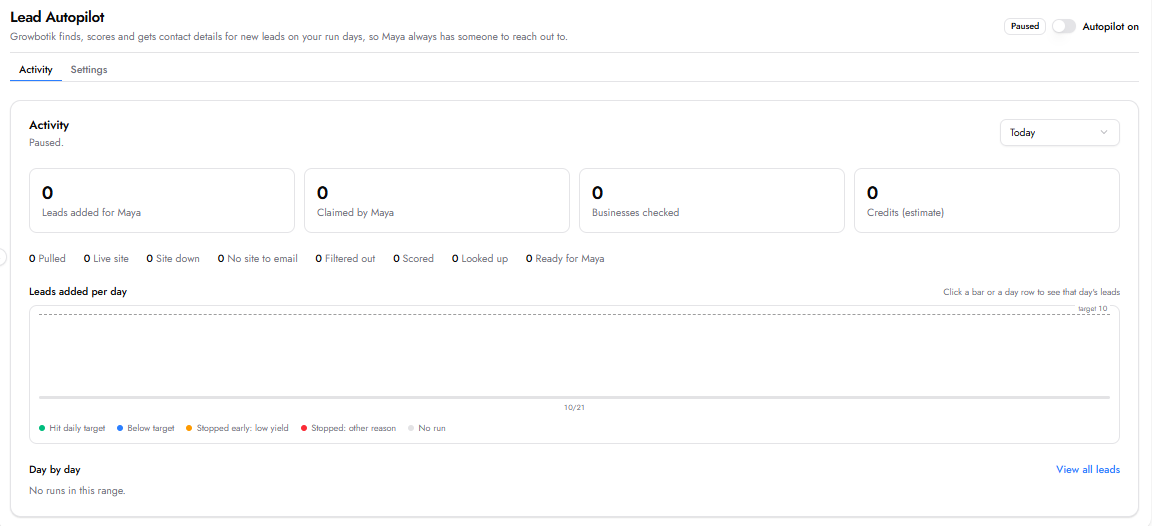
The Activity tab is your daily dashboard. It shows a summary of how many leads were added for Maya, how many Maya claimed, how many businesses were checked, and your estimated credit usage. Below the summary, a status breakdown shows how leads moved through each step — from pulled to scored to ready for Maya. A daily chart gives you a visual overview of autopilot performance over time, color-coded by whether the daily target was hit, missed, or stopped early. Use the Day by day section at the bottom to review individual runs, and click View all leads to see every lead the autopilot has generated.
Settings
The Settings tab is where you configure what Leads Autopilot looks for and when it runs. Changes apply from the next run.
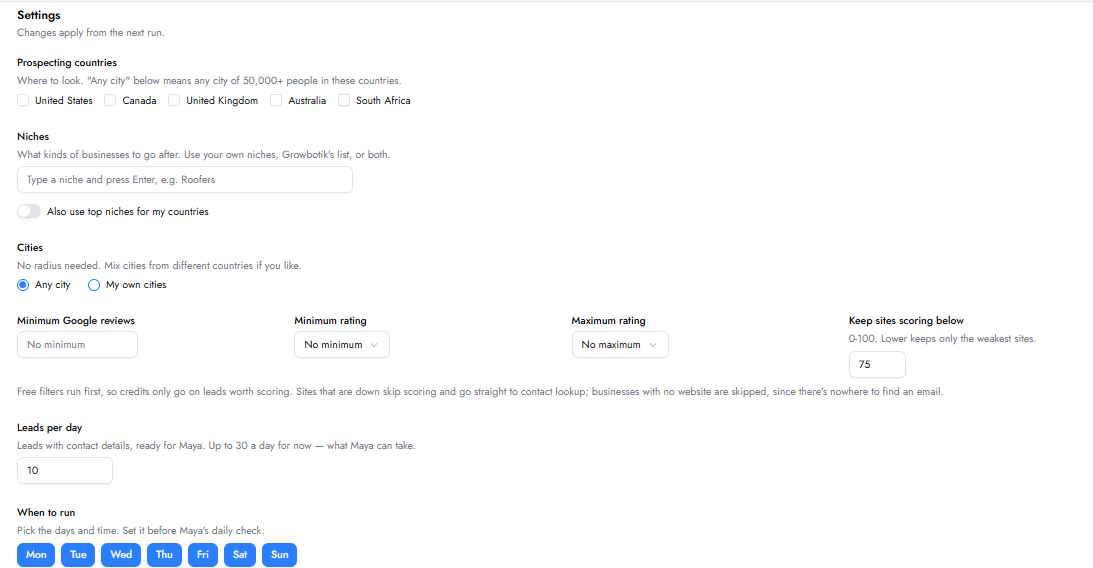
Prospecting countries: Select where you want the system to look for leads. Options include United States, Canada, United Kingdom, Australia, and South Africa. Selecting a country with “Any city” means any city of 50,000 or more people in that country.

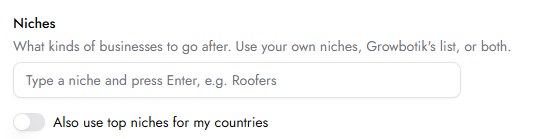
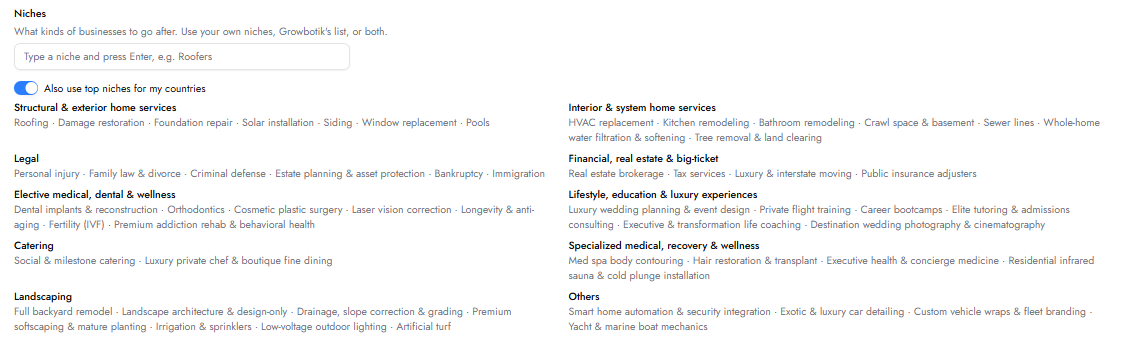
Niches: Choose what kinds of businesses to go after. You can type a specific niche and press Enter, use Growbotik’s list by toggling “Also use top niches for my countries,” or combine both.
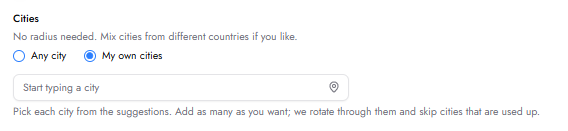
Cities: Choose between “Any city” across your selected countries or “My own cities” to target specific locations. You can mix cities from different countries.

Minimum Google reviews: Set a minimum number of Google reviews a business must have to be included.
Minimum rating / Maximum rating: Filter businesses by their Google review rating range.
Keep sites scoring below: Set a maximum website analysis score (0–100). A lower number keeps only the weakest sites — the ones most likely to need your services. Free filters run first, so credits are only spent on leads worth scoring. Sites that are down skip scoring and go straight to contact lookup. Businesses with no website are skipped since there is nowhere to find an email.

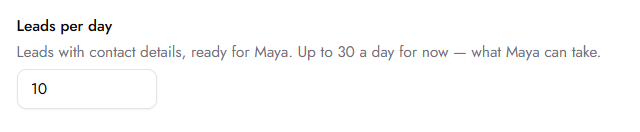
Leads per day: Set how many leads with contact details you want ready for Maya each day, up to 30. Starting with a smaller number is recommended because each lead triggers follow-up emails, the volume accumulates quickly. By day 5 or 10, you may already be sending 30 to 50 emails a day. Starting low lets your outreach warm up naturally and avoids being flagged for sending too many emails at once.
When to run: Pick the days of the week you want the autopilot to run and the time it should start. Set it before Maya’s daily check so the leads are ready when Maya looks for someone to reach out to. Choose your timezone from the dropdown to make sure the schedule runs at the right local time.
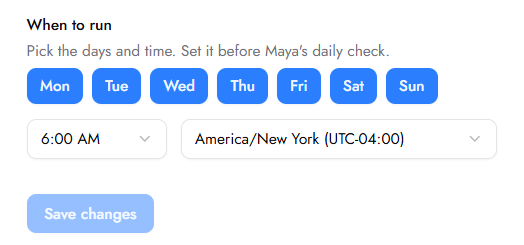
Once everything is configured, click Save changes and toggle Autopilot on at the top-right of the page.

