The referral program lets you earn recurring commissions by introducing other other agencies and professionals to the platform. Whether you share directly with people you know, run outreach campaigns, or build your own referral website, the tools on this page give you everything you need to start referring and getting paid.
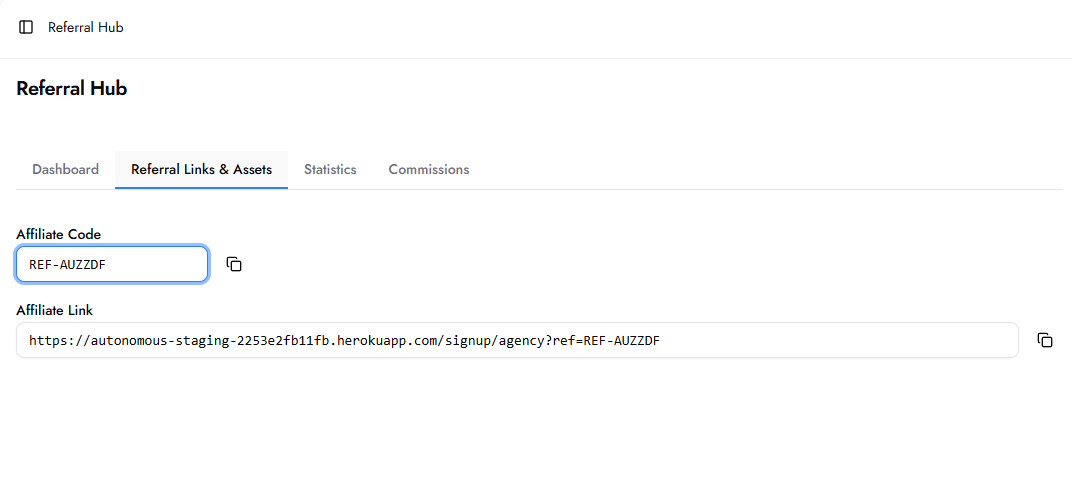
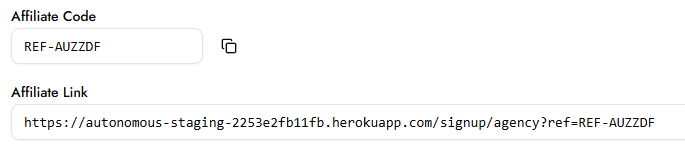
Your Affiliate Code is your unique partner identifier. It is used internally by the system to attribute referrals to your account. You do not need to share this code directly. It is embedded automatically in your Affiliate Link and Custom Links.
Your Affiliate Link is a ready-to-share URL that takes anyone directly to the Growbotik plan selection page. When someone clicks this link, a cookie is placed in their browser that attributes them to your account. If they sign up, even days later, the referral is credited to you and the commission is applied automatically.
Click the copy icon next to the link to copy it to your clipboard. You can share it in emails, social media posts, direct messages, or anywhere you reach potential agencies and entrepreneurs.
Custom Links let you use your own website as a trackable referral landing page instead of the default Growbotik affiliate page. This is for partners who want to build their own site, tell their own story, and control the experience people see before signing up.
Step 1 — Register Your URL
In the Custom Links section, enter a Label to identify the link (for example, "Facebook Ads landing" or "My agency site") and your Landing page URL. Click Add. Your URL is now registered and tracked. Any visitor who lands on your registered page is cookied to your affiliate account, even if they do not sign up immediately.
Step 2 — Add Purchase Buttons to Your Website
Once your URL is registered, you need to add call-to-action buttons on your site that link to the Growbotik plan signup pages. Without these buttons, visitors have no way to purchase from your site.
Use the following links for each plan tier:
Agency ($95/mo): https://app.growbotik.com/signup/agency?plan=magency&interval=monthly
Pro ($195/mo): https://app.growbotik.com/signup/agency?plan=prof&interval=monthly
Super ($395/mo): https://app.growbotik.com/signup/agency?plan=super&interval=monthly
In your website builder, add a button for each plan tier you want to promote. Set the button's link to the corresponding URL above. Label each button clearly (for example, "Start Agency Plan" or "Start Free Trial"). When a cookied visitor clicks one of these buttons and signs up, the referral is attributed to your account automatically.

You have two options for driving referrals:
Share your Affiliate Link directly. People land on the default Growbotik plan selection page and sign up from there. This is the simplest approach and requires no setup beyond copying and sharing the link.
Register a Custom Link and build your own referral website. You control the design, the messaging, and the experience. Place the Growbotik plan signup links on your site as purchase buttons. This gives you full control over how you present the program.
Both options track referrals the same way through cookies. Use whichever approach fits how you want to reach people, or use both.
When someone clicks your Affiliate Link, they are taken directly to the Growbotik plan selection page where they can choose between the Agency, Pro, and Super tiers. Each tier shows the monthly price, the number of Growth Plans included, and a "Start 7-Day Free Trial" button. Because the link is tracked, you earn commission regardless of which plan they choose.
When someone visits your Custom Link website, they see whatever page you have built. From there, they click the purchase buttons you placed on your site, which take them to the Growbotik signup flow for the specific plan tier you linked. The experience from that point is the same as if they had clicked your Affiliate Link directly.
In both cases, a cookie is placed in the visitor's browser on first contact, so the referral is attributed to you whether they sign up immediately or return later.
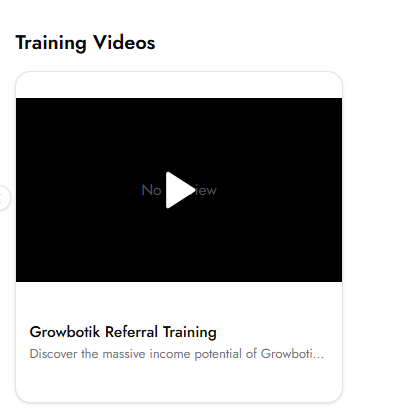
The training video on this page walks you through the full referral opportunity, including how to position Growbotik when talking to agencies, entrepreneurs, and anyone looking for a legitimate way to earn income. It covers how to create an initial outreach list from people you already know, how to use the pre-written outreach messages available in the Asset Library, and how to personalize those messages for different audiences. Watch the video before starting your outreach to understand how to present the opportunity effectively.
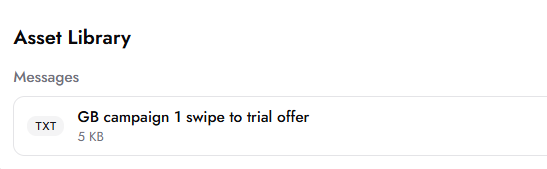
The Asset Library provides downloadable outreach messages you can use when promoting the referral program. Multiple versions are available in different lengths (short, medium, and long) so you can choose the right one based on who you are reaching out to and how much detail they need. You can use them as-is or customize them to match your own voice.