
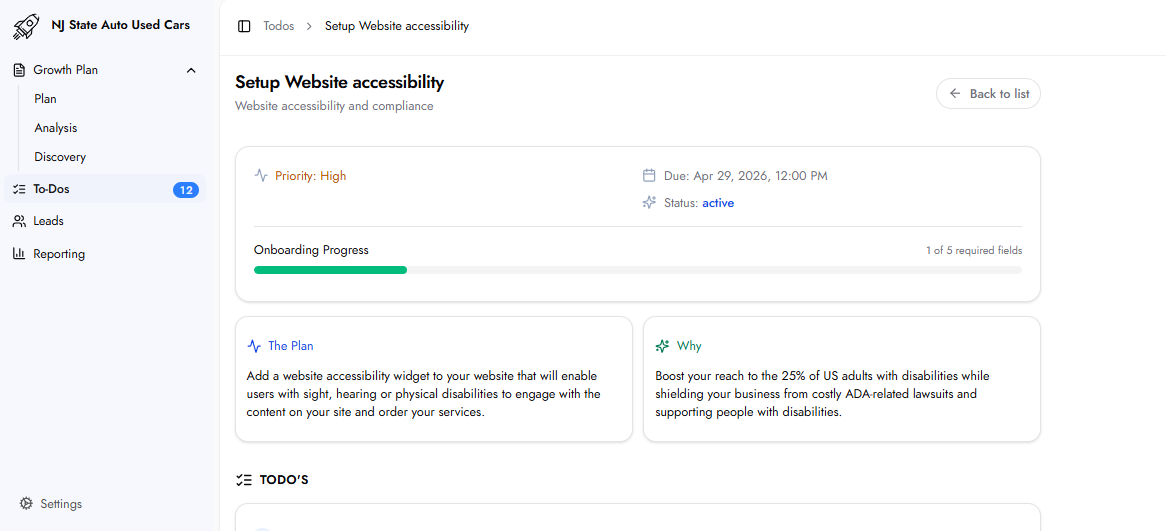
The Plan
This task installs an accessibility widget on the website that enables users with sight, hearing, or physical disabilities to navigate and interact with the site effectively. The widget adds assistive technology features without requiring a redesign.
Why This Matters
A significant portion of users experience accessibility limitations that affect how they browse websites. Without accessibility features, this segment of potential customers may be excluded.
In addition to the audience impact, websites with accessibility issues may face legal risk under ADA compliance requirements. The Website Accessibility Analysis identifies existing gaps, and the widget is implemented to address them.
Required Fields
Website Backend Access
Login URL
The URL of the website’s admin or backend login page. This is used to install the accessibility widget.
Username / Email
The admin username or email for the website backend.
Password
The admin password. All credentials are encrypted at rest.
Website
Website URL / Domain
The full URL or domain of the website where the accessibility widget will be installed.
Widget Language
Accessibility Widget Language
The language in which the widget interface will appear to website visitors. Selected from the provided dropdown.
What Happens Next
The platform sets up the accessibility widget on the website after submission.
The widget is shared for review before being published.
Frequently Asked Questions
Is the widget reviewed before going live?
Yes. The widget is provided for review before publication. It is not made live until confirmation is provided.