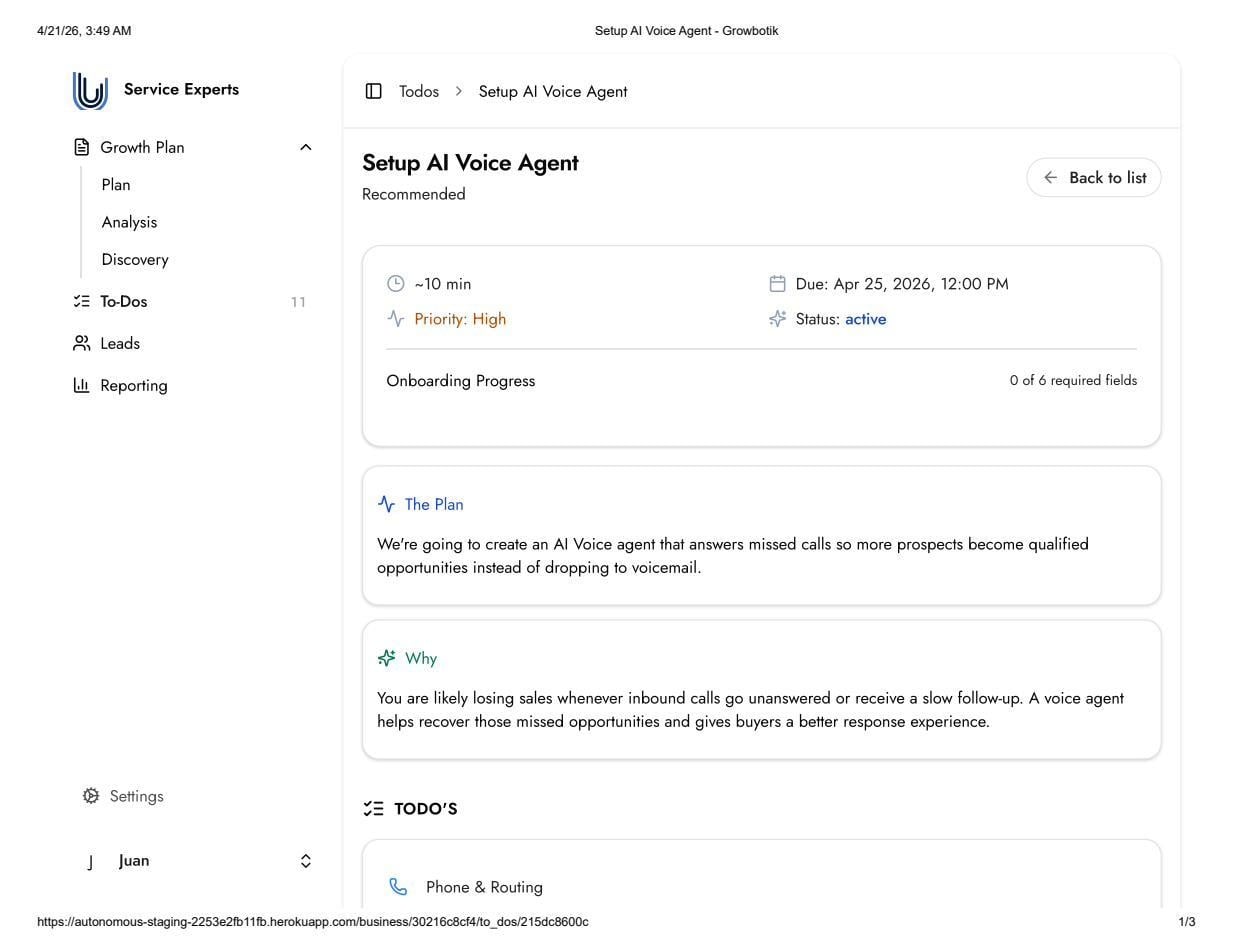
This task creates a custom AI Voice Agent that answers inbound calls when calls are not picked up. The agent prevents prospects from reaching voicemail, engages the caller in a natural conversation, and captures the lead — ensuring missed calls become recoverable opportunities rather than lost sales.
For local service businesses, a missed call often results in a lost job. When someone calls about an urgent service, they typically move on to the next available business if the call is not answered.
The AI Voice Agent removes this gap by answering missed calls, qualifying the caller, and capturing their information so follow-up can happen promptly.
Main Sales Line
The primary inbound sales phone number. The AI Voice Agent monitors this line and answers when the call is not picked up within the configured number of dials.
Support / General Line (Optional)
A secondary phone number for general or support-related calls. This field is optional.
Dials
The number of rings before the AI Voice Agent answers. Default is 6 dials.
Voice Preference
Select Female or Male for the agent voice.
Agent Language
Select the language used during calls. Available options include English, Spanish, French, German, Portuguese, Italian, Dutch, Arabic, Hebrew, Mandarin, Japanese, and Korean.
Additional Training Content: Any additional context beyond your website and Business Profile that would help the agent respond accurately. Can include sales notes, service-specific details, pricing guidelines, FAQs, or specialized terminology.
Guardrails
Topics or information the agent should avoid discussing or committing to. This acts as a safeguard to prevent incorrect or unwanted responses.
Examples:
Do not discuss specific pricing tiers
Do not confirm appointment times
Post-Call Notifications
Select Yes or No. When enabled, notifications are sent after each call handled by the AI Voice Agent, allowing review and follow-up.
The team begins building the custom AI Voice Agent using the submitted information.
Build and quality assurance typically take approximately one week, including human review.
The agent is shared for testing and feedback before activation.
The agent goes live only after approval is provided.
No. The agent only answers when the call is not picked up within the configured number of dials. If the call is answered, it proceeds normally.
The Knowledgebase Training and Guardrails fields are designed to minimize this risk. Training content ensures accurate responses, while guardrails restrict sensitive or uncertain topics.
Yes. The agent is tested and feedback can be provided before activation. It only goes live after approval.
