The NearMe SEO section shows how visible your business is in Google Maps for local searches like “near me” or city-based queries. It focuses on your ranking position and how that visibility impacts clicks, leads, and new customers.
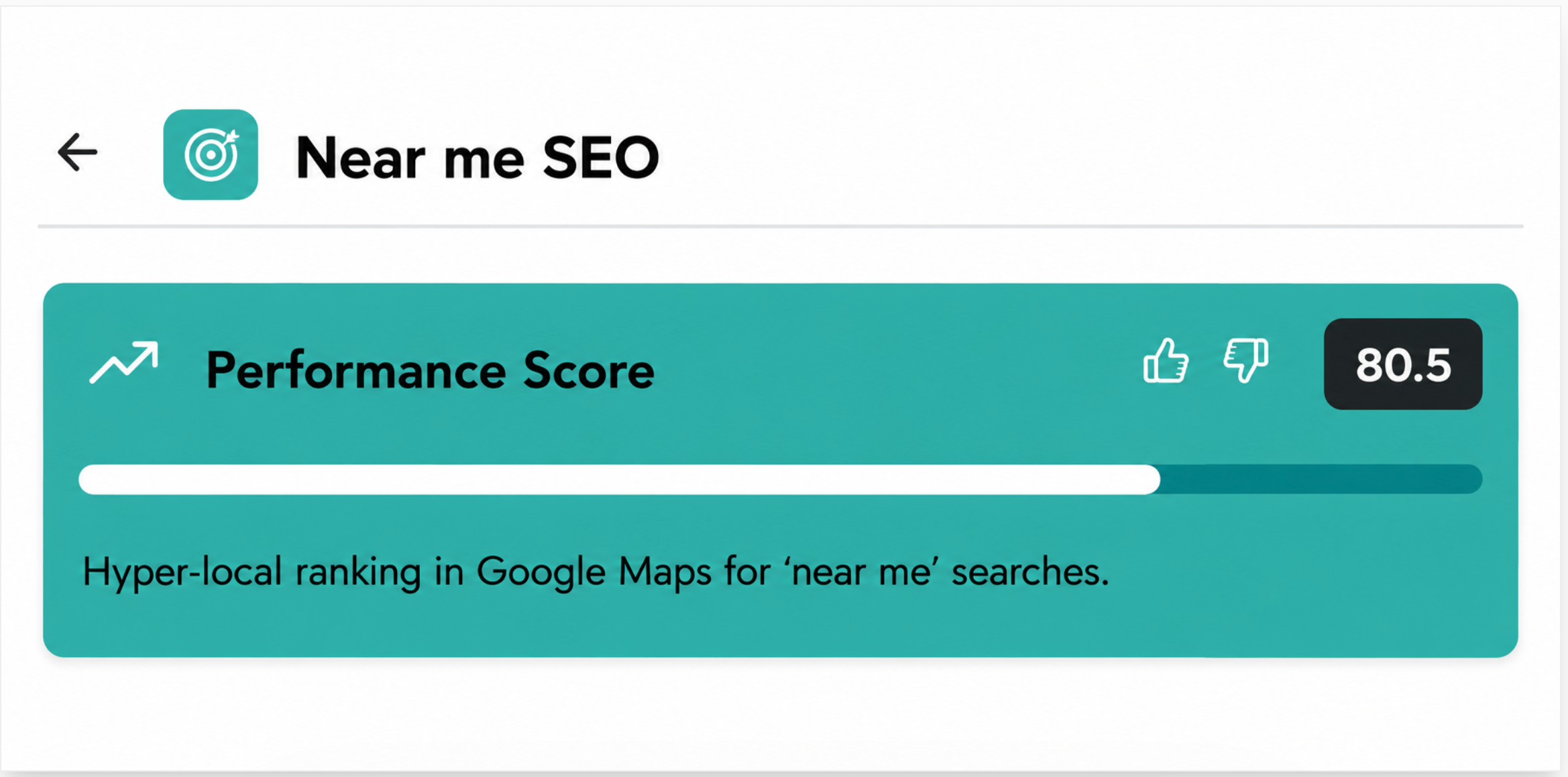
The performance score (e.g., 80.5) reflects how well your business ranks in local search results.
Rankings in the top 3 positions result in the highest scores
The score decreases as rankings drop
If your business is not ranking, the score can be very low
This score is based on your position in the Google map results.
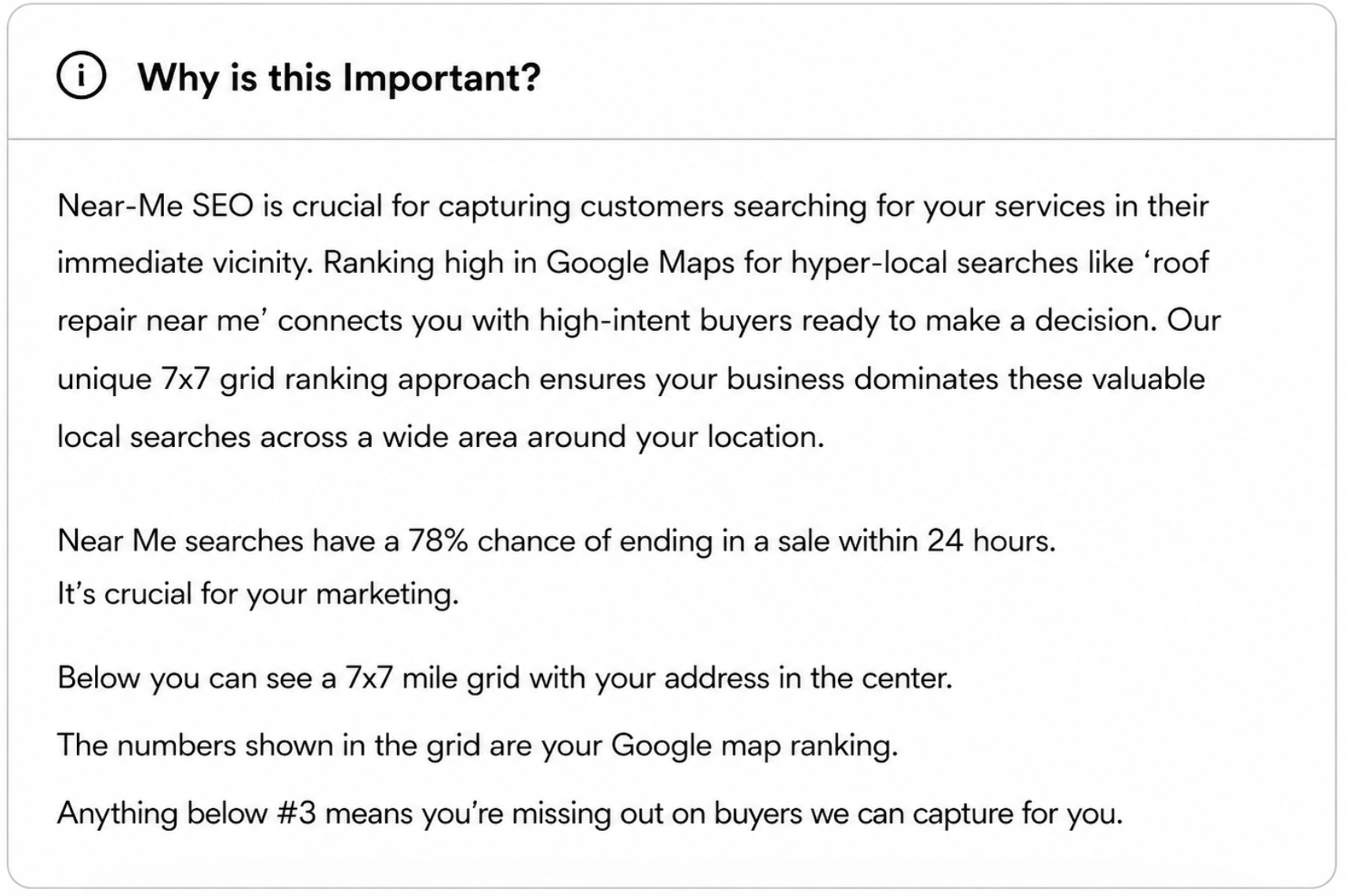
Near Me SEO helps capture customers who are actively searching for services nearby and are ready to take action.
Higher rankings lead to:
More visibility
More clicks
More calls and leads
Lower rankings mean:
Missed opportunities
Customers are choosing competitors instead
The local ranking grid shows how your business ranks in Google Maps search results from different locations across your service area. Instead of showing a single ranking, the grid provides a broader view of your visibility in nearby areas.
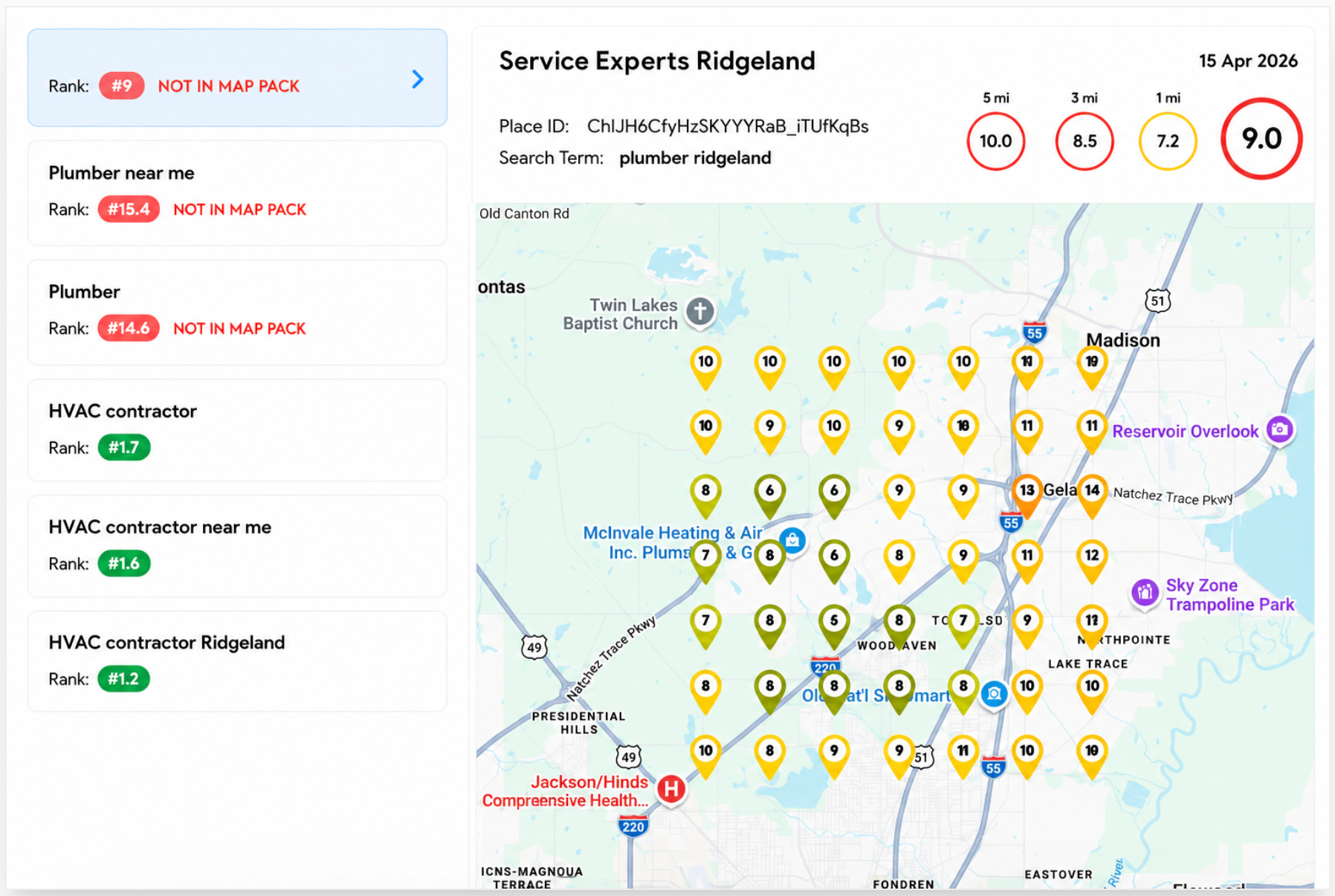
The 7x7 grid represents 49 different search points placed across the map surrounding your business location. Each point simulates a customer searching for your services from that specific area.
This helps identify where your business ranks strongly and where visibility may be weaker.
Each numbered pin on the map represents your business’s ranking position for the selected keyword at that location.
For example:
A ranking of #1 means your business appears at the top of the local map results in that area.
A ranking of #7 means your business appears lower in the results.
Higher numbers indicate lower visibility.
Because Google rankings vary based on the searcher’s location, rankings may differ across different areas of the map.
The numbers inside each grid point show your Google Maps ranking position for the selected keyword.
General ranking interpretation:
1–3: Strong visibility in the local map pack
4–10: Moderate visibility
10+: Lower visibility and reduced local exposure
If a result shows “Not in Map Pack”, it means your business is not appearing in the top local map results for that search location.
Each grid point represents a simulated search location where Google ranking data was collected.
Together, the grid points help visualize:
Areas where your business performs well
Areas where competitors may outrank you
Opportunities to improve local SEO visibility
The grid uses color indicators to help quickly identify ranking performance:
Green: Strong rankings and high visibility
Yellow/Orange: Average visibility
Red: Weak visibility or poor rankings
This visual overview makes it easier to identify strengths and problem areas within your local market.
This shows the central point used for the analysis (your business address).
All rankings are measured relative to this location.

This section estimates how your results could improve after optimization.
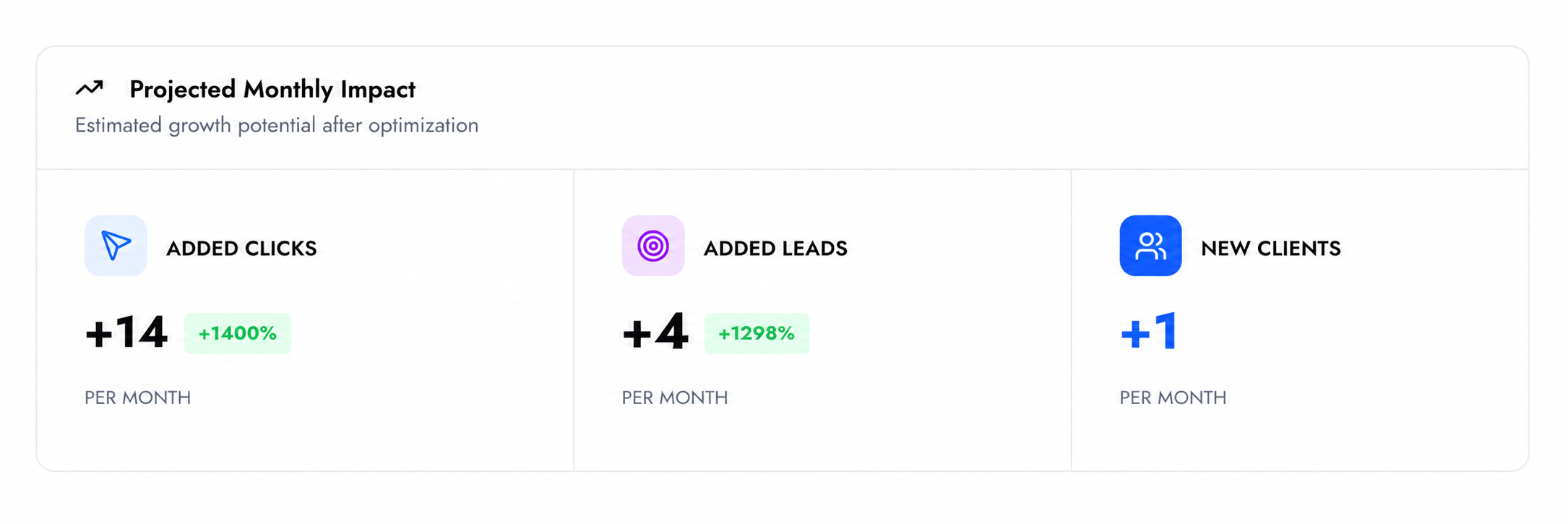
It includes:
Additional clicks
Shows the estimated increase in website visits per month if your rankings improve.
Additional leads
Represents the additional potential customers generated from improved visibility.
New potential clients per month
Estimates how many new paying customers could be gained per month based on increased leads.
This section shows the most important local search terms for your business.
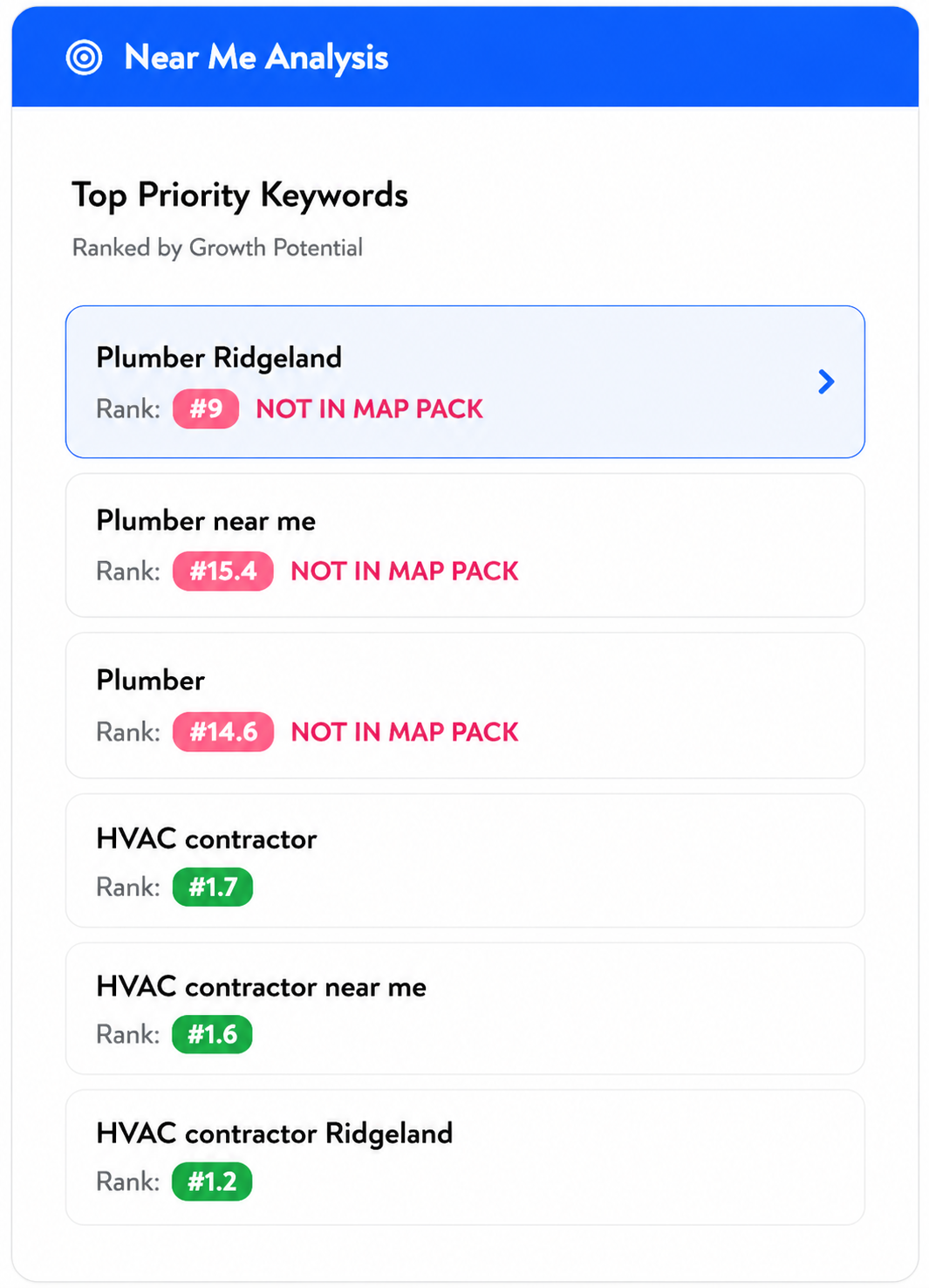
For each keyword, it shows:
Your current ranking
Whether you appear in the map pack
Search volume (in some cases)
Keywords with lower rankings represent the biggest growth opportunities.
This means your business is not appearing in the top local results for that keyword.
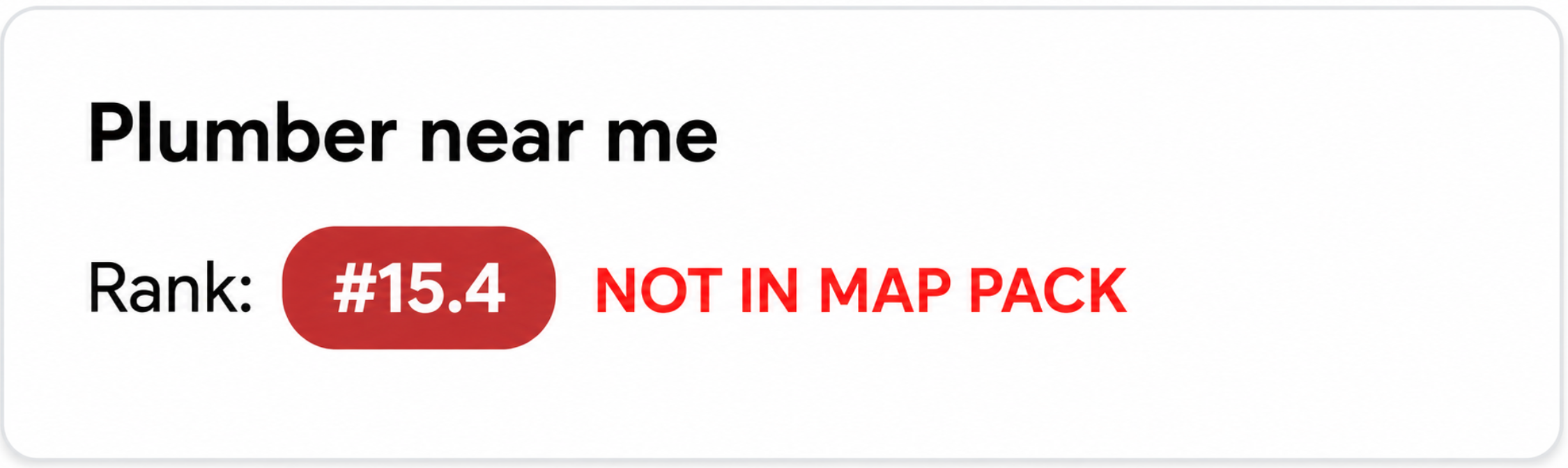
Since most users click on the top results:
Not appearing here reduces visibility
Leads to fewer clicks and leads
