Once the Growbotik pack is installed, Maya runs on a schedule in the background. She does not chat with you every time she runs. There are three places to see what she is doing:
Tasks in your Symphony space.
The daily outreach summary email.
The Sent folder of your connected mailbox.
Step 1: In Symphony, click your space under Spaces in the left navigation. It has your agency's name.
Step 2: Open Tasks. You can also click Agents, open Maya, and see her tasks from there. It is the same list.
Tasks has three tabs:
Action Needed: something needs you. For example, Gmail or the Growbotik MCP got disconnected and needs to be reconnected. Once in a while, Maya may ask you to approve an email even though she should not need to. This should be rare.
Agent Tasks: what your agents are working on right now.
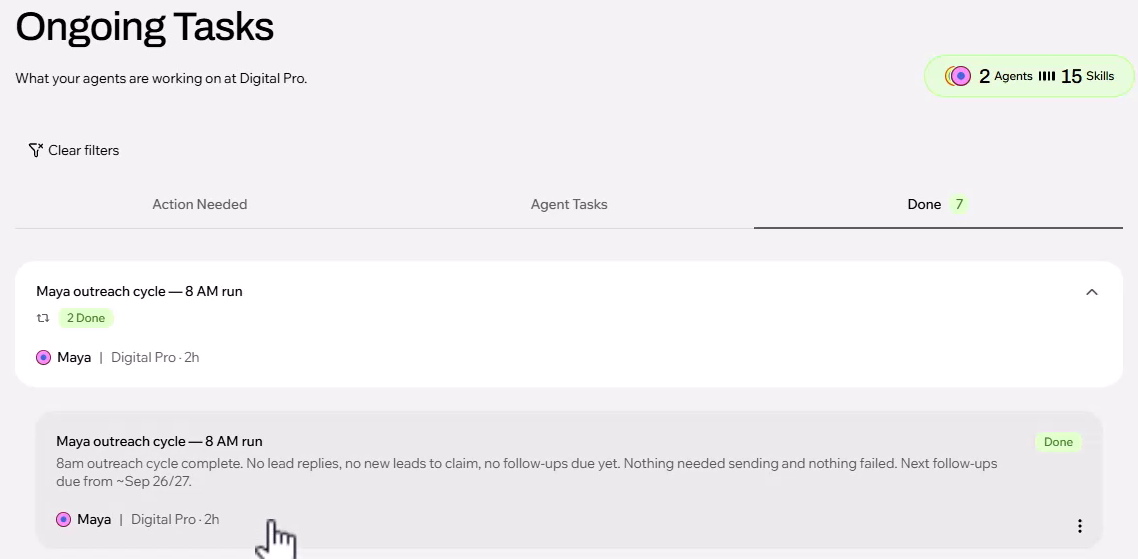
Done: every completed run, such as "Maya outreach cycle — 8 AM run", with a short summary of what happened.
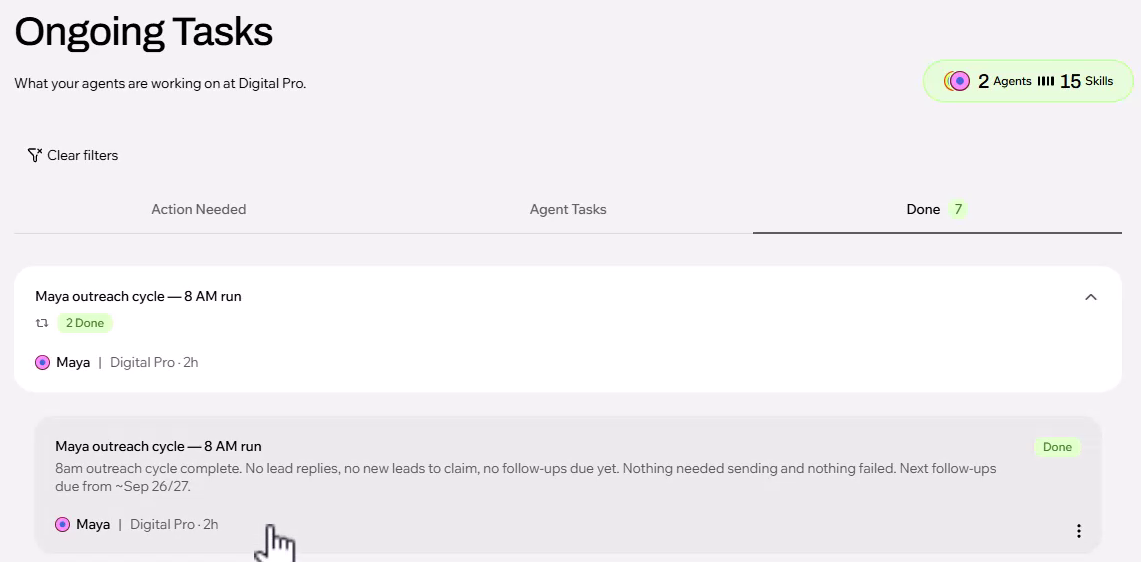
Open a run to read the full story: connections checked, replies checked, emails sent, and what is due next. A typical summary reads: "8 AM outreach cycle complete. No lead replies, no new leads to claim, no follow-ups due yet. Nothing needed sending and nothing failed." If something did not go as planned, you will see it here.
If Maya did not reach out to anyone, check that you have leads that are ready. A lead needs an analyzed website and at least one contact. See Which Leads Symphony Contacts.
Maya emails you a summary every day, after her last run of the day. It shows:
The emails sent today, and why others were not sent.
The replies received.
The leads that need your manual follow-up.
The summary only covers Maya's own work. If you ask Maestro to do something directly, for example "Take the last 10 leads from my Realtors in Los Angeles list and send them this email," those emails are not in Maya's summary. That was your instruction to Maestro, not part of Maya's job.
Open the Sent folder of the mailbox you connected to Symphony to see exactly what went out. If an email address is bad, for example an old info@ address, you will see that the message was blocked or bounced.
Every outreach email follows the same theme, which is set in Growbotik:
The subject is "For" followed by the contact's first name, or the business name when there is no name.
Each email is written a little differently, using what Maya knows about the business, such as its reviews or the findings of the website analysis.
Because the theme lives in Growbotik, we improve it for all members at once, based on what works. You do not need to change anything. If you want a completely different approach, create your own agent. See Beyond Automated Prospecting.
Maya ran, but no emails went out. Why?
Open the run in Tasks > Done. The summary says why, for example no new leads to claim, no replies, or no follow-ups due yet. Most often it means there are no leads ready for outreach. Analyze websites and get contacts for more leads.
Where do I see the emails Maya sent?
In the Sent folder of the mailbox you connected to Symphony.
Why are some emails missing from my daily summary?
The summary only covers Maya's scheduled work. Emails you asked Maestro to send directly are not included.
Something in Action Needed asks me to reconnect. What do I do?
Go to Account > Connectors in Symphony and reconnect Gmail or the Growbotik MCP. If you are not sure what is wrong, ask Maestro what happened and how to fix it.
When does Maya run?
Every few hours during business hours, in your computer's time zone.
How do I pause Maya?
Ask Maestro to pause Maya's routines. When you are ready, ask Maestro to resume them.
